Licensed editorial adaptation
Adapted and localized by the ZWCNC Editorial Team from licensed technical material. The source record is published for traceability.
Technical boundary: confirm machine-specific capacity, configuration and safety requirements against the current quotation, manual and application review.
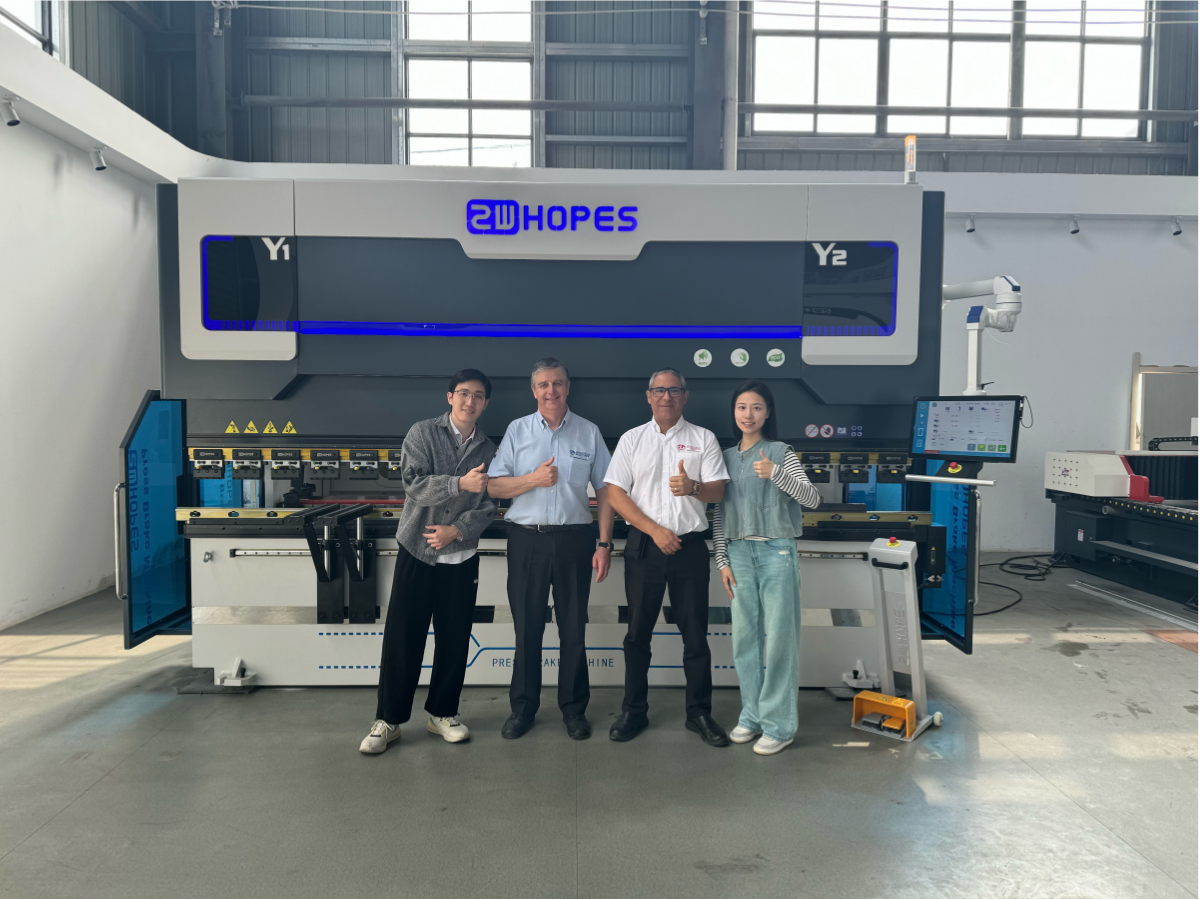
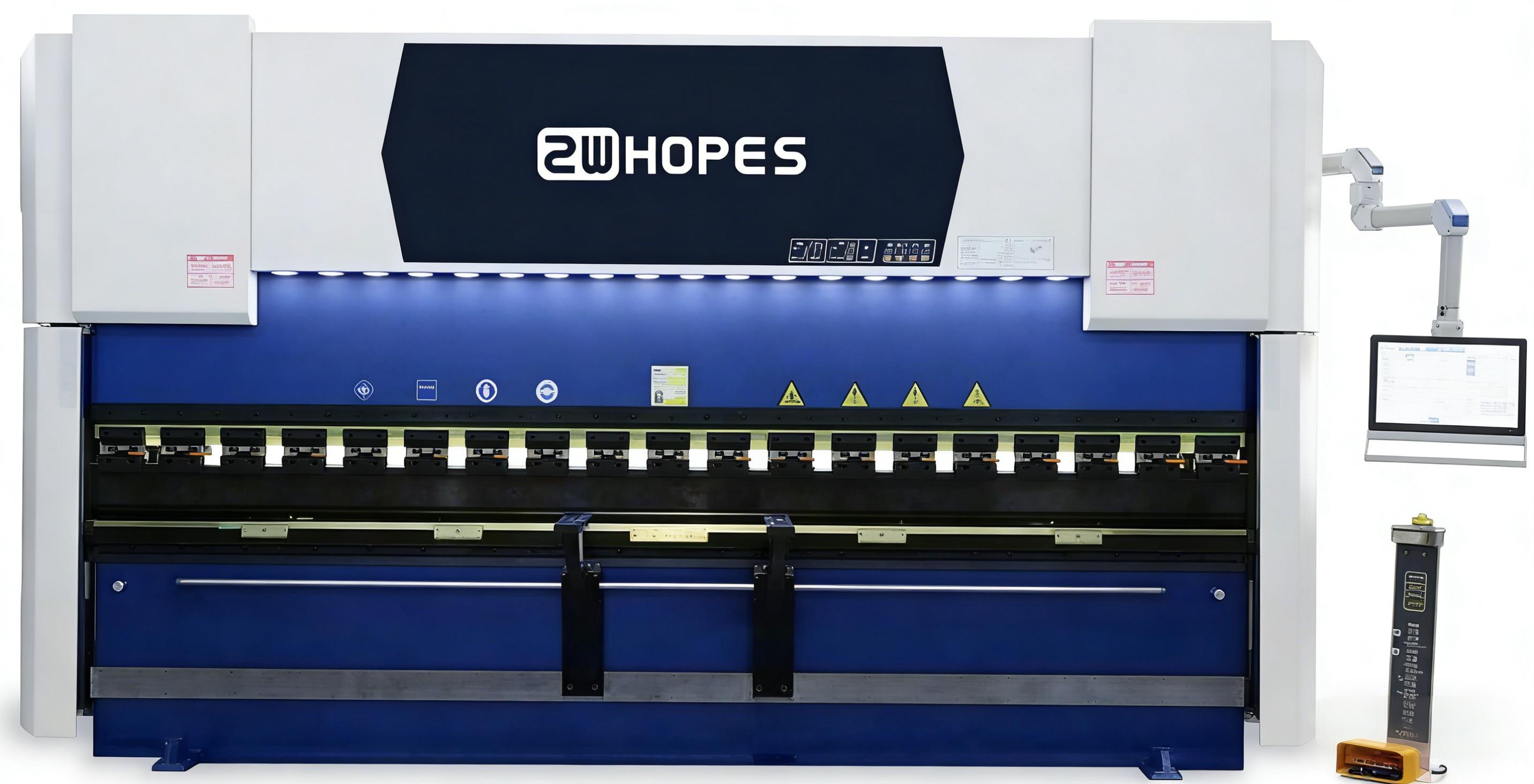
This is the new Delem DA-53TX system, a key feature of our advanced press brake solutions machines. Programming is basically the same as the 53T. Now let's proceed with the demonstration.
Sheet thickness: 1.2 mm. Select the material type. Iron, aluminum, zinc, stainless steel. Assume the material type is iron plate. Click Accept. Select the upper and lower dies.
Select the upper die. Replace the upper die in the die library. Select the lower die. Replace the lower die in the die library. Confirm the dies. Click Programming. Enter bending length: 2,000 mm. Bending angle: 90°.
The X-axis dimension for the first bend is 50 mm. Assume there are two bends. Click Add Bend. Program No. 2 is generated. Program No. 2 copies the data from Program No. 1 by default. The dimension for the second bend is 100 mm. Assume there are three bends. Click Add Bend.
The bending angle for the third bend is 135°. The backgauge dimension is 30 mm. Program editing is complete. Click Automatic. Switch to Program No. 1. Press the run button. Start pressing the foot pedal.
The first bend is completed. Automatically switch to Program No. 2. The second bend is completed. Automatically switch to Program No. 3. The third bend is completed, returning to Program No. 1. The full programming demonstration is complete. Thank you for watching! For more detailed specifications and features, please download our Brochures. Thank you for watching! If you have any questions, please feel free to contact ZWCNC.
Apply this guidance to your production
Share your material, thickness, part drawing, tolerance, and target output with the ZWCNC engineering team for an application-specific equipment review.
More news, insights, and updates from ZWCNC.
Hydraulic Clam.png)
How to Program Press Brake Bending with the Delem DA58TX System
How to Program Bending with the Delem DA66S System

How to Program Bending with the Delem DA-69S System

How to Program Bending Using the Esa S840 System
How to Program Press Brake Bending with the ESTUN E315PS System