Licensed editorial adaptation
Adapted and localized by the ZWCNC Editorial Team from licensed technical material. The source record is published for traceability.
Technical boundary: confirm machine-specific capacity, configuration and safety requirements against the current quotation, manual and application review.
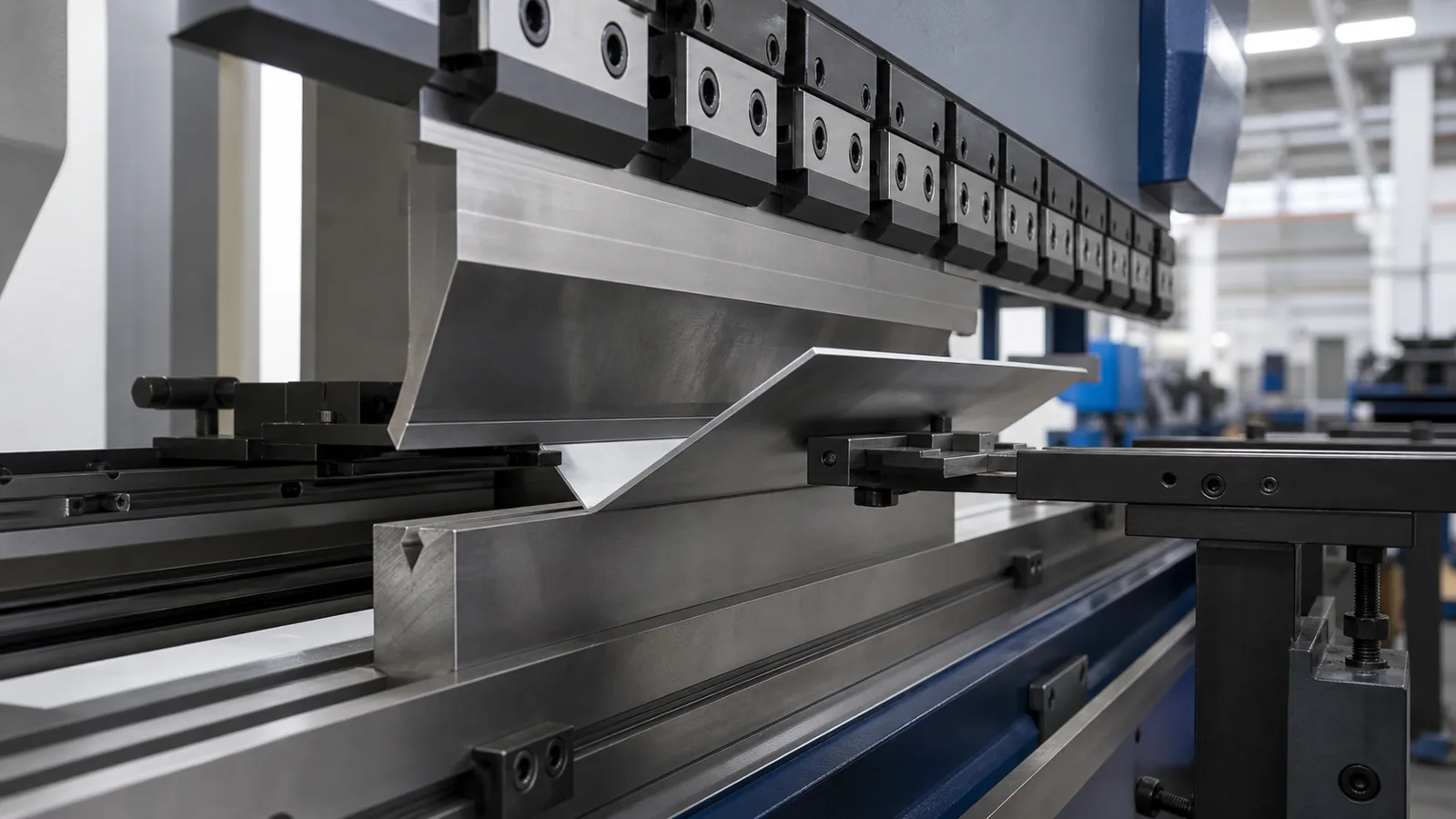
This is the new Delem DA66S system, a core component of our modern press brake solutions machinery. Since the DA66T system has been discontinued, the DA66S will now completely replace the DA66T system. Now, let's begin explaining the DA66S.
First, click "Products". Then click "NEW". There are two programming methods. The first is graphic programming, and the second is data programming.
For example, the sheet length is 1,500mm. This is the outer dimension and inner dimension. When using inner dimensions for bending, thickness will not be deducted. When using outer dimensions, the thickness will automatically be deducted during bending.
Below are some calculation applications, all of which are turned on by default. Now you can edit the drawing. For example, input length 100mm, bend upward, input 30mm, bend to the left, and finally input 15mm. The product drawing is now complete.
The next step is selecting the tooling. In the tooling library, switch to the punch you are currently using
Similarly, in the tooling library, select the current die you are using. After selecting, click the bend sequence. Click Auto Calculation (sequence only).
The system has calculated the blank’s unfolded length. You just need to cut the sheet according to this size. You can now simulate the bending process. The bending is fine. Click Program to begin programming.
Click Auto. Then switch to the first step. Click Run. Start bending. Press the foot pedal. First bend
second bend, then back to the first bend. This is graphic programming. Next, we will demonstrate data programming, click "Products".
Normally, choose angle programming. Enter bending thickness of 1.2mm, this is the material selection
Steel, Aluminum, Zinc, Stainless Steel, Select material No. 1. Click Accept. Select the punch from the tooling library that you are currently using.
Similarly, choose the die from the tooling library that you are currently using. Click Program. Enter the bending length 1500mm. Bending angle is 90° .If there are two bends. First, bend the X-axis of the trailing material from the first cut by 15mm. After confirming the angle and dimension, add another bend.
The second bend is now created. This is the first bend,and this is the second bend. The second bend will default to a copy of the first bend's data. You can change the second bend to 30mm. The angle is still 90°.
You can add another bend. Now there are three bends in total. Change the third bend’s angle to 135°. Change the back gauge dimension to 200mm. The three bends are now completed. Click Auto and go to the first bend.
Press Run. Press the foot pedal. First bend, switch to the second bend, switch to the third bend. After the three bends are completed, it will return to the first bend. This is data programming. For a more detailed look at the capabilities of our machines and their control systems, you can download our latest Brochures.
We have demonstrated two programming methods: one is graphic programming, and the other is data programming. Thank you for watching! If you have any further questions or require a personalized consultation, feel free to contact ZWCNC.
Apply this guidance to your production
Share your material, thickness, part drawing, tolerance, and target output with the ZWCNC engineering team for an application-specific equipment review.
More news, insights, and updates from ZWCNC.
Hydraulic Clam.png)
How to Program Press Brake Bending with the Delem DA58TX System
How to Program Bending with the Delem DA-53TX System

How to Program Bending with the Delem DA-69S System
Press Brake Bending Load Calculation: Tonnage and Capacity Guide
Press Brake Bending Calculations: Flat Patterns, Bend Deduction, and Tonnage