
Licensed editorial adaptation
Adapted and localized by the ZWCNC Editorial Team from licensed technical material. The source record is published for traceability.
Technical boundary: confirm machine-specific capacity, configuration and safety requirements against the current quotation, manual and application review.
The press brake is now in the startup state. The oil pump has already started. Now we will edit a new program. Click “+”. This is data programming. This is graphical programming.
Select data programming. Here you enter the material strength. For example, enter 10. A bending depth will be assigned automatically for material strength 10. It is automatically calculated. This is the sheet thickness.
For example, bend 1.2 mm. This is the bending length. For example, bend 2,500 mm. Here you select the upper die and lower die. Click this arrow. Currently it is V-opening No. 1, 16 mm. This is the counting function.
If you need counting, enter the number of bends you want to make. Click OK. Now this is Step 1 For example, bend to 90°. For the first bend on the X-axis, the bending position is 20 mm. The first bend has now been edited.
You can also add another bend. Now this is the second bend. The first bend is 90°, 20 mm. The second bend is also 90°. Bend 40 mm. Here you will see -1.25.
If this is not needed, you can change it to 0. Then there will be no correction. This is the hemming (pressing line) dimension. Enter 20 mm. Add another bend. Now this is the third bend.
The program has been saved. Enter the automatic interface. Press Run. Then press the Start button. Start bending. First bend. Second bend. Third bend. Measure the angle. For more details on automated bending solutions, check out the press brake solutions models that support advanced CNC programming. Next I will demonstrate graphical programming.
Click “+”. That concludes the introduction to data programming. This is graphical programming. First, enter the material strength. For standard aluminum sheet, it is usually around 20–25. For steel sheet, it is usually around 44–45.
We are now bending steel sheet. The tensile strength is roughly 44. Enter sheet thickness 1.2 mm. Enter bending length 2,500 mm. Select the upper die and lower die. After selecting, click Insert. Currently, it is V-opening No. 1, 16 mm. This is the counting function.
If you need counting, enter the number of bends you want to make. Click OK. Start drawing the profile. After the graphic is finished, run a simulation. Start simulation. Simulate the bending.
To use this program, press and hold. Enter the automatic interface. Press the Start button. You can start bending. First bend. Second bend. Third bend. Fourth bend. Measure the angle. For custom solutions or technical support regarding your bending process, feel free to contact ZWCNC. Thank you for watching.
Apply this guidance to your production
Share your material, thickness, part drawing, tolerance, and target output with the ZWCNC engineering team for an application-specific equipment review.
More news, insights, and updates from ZWCNC.

How to Program Multi-Step Bending with the E21 Press Brake Controller
Hydraulic Clam.png)
How to Program Press Brake Bending with the Delem DA58TX System
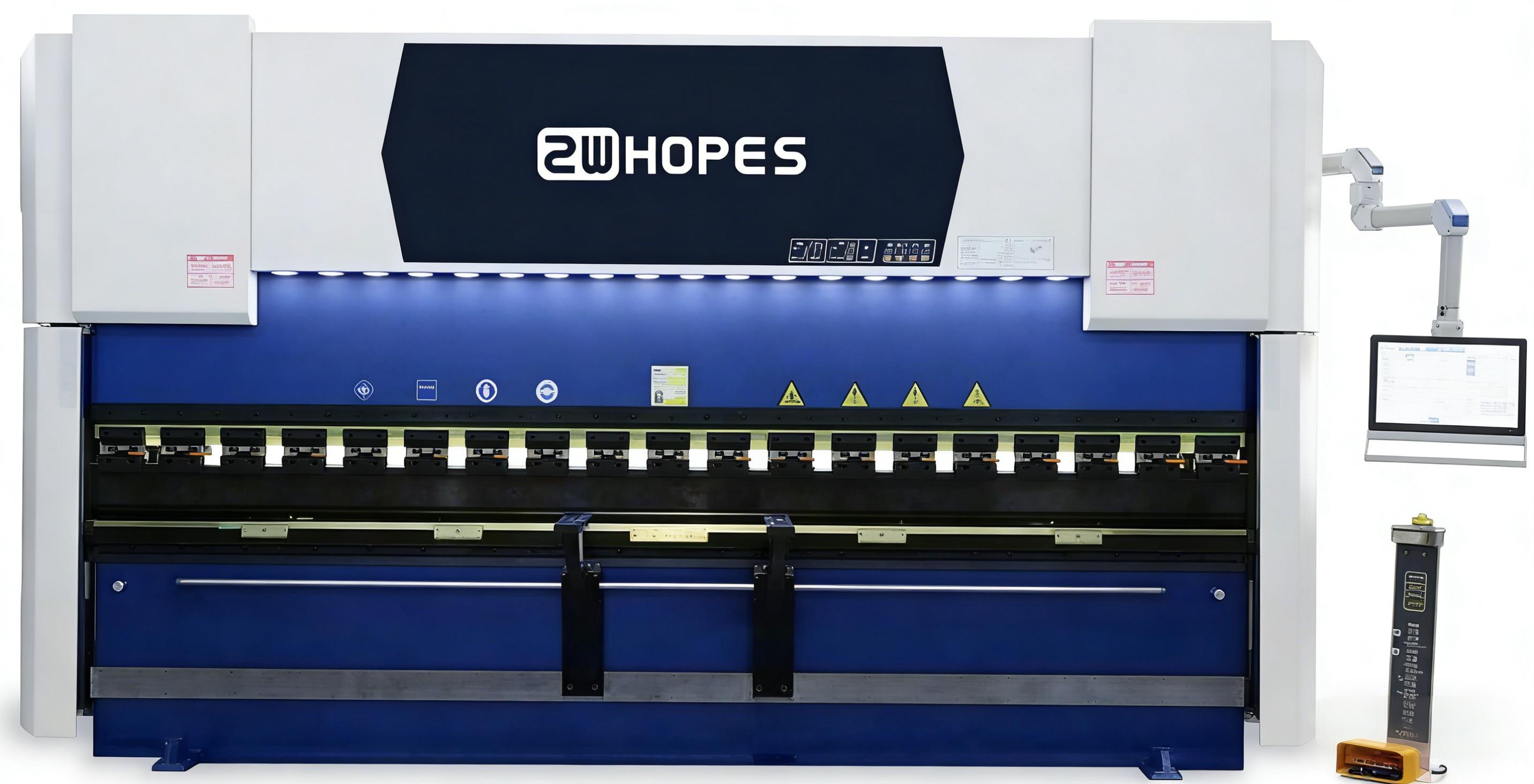
How to Program Press Brake Bending with the ESTUN E315PS System
Press Brake Bending Load Calculation: Tonnage and Capacity Guide
Press Brake Bending Calculations: Flat Patterns, Bend Deduction, and Tonnage